The
on-site
event
ecosystem.
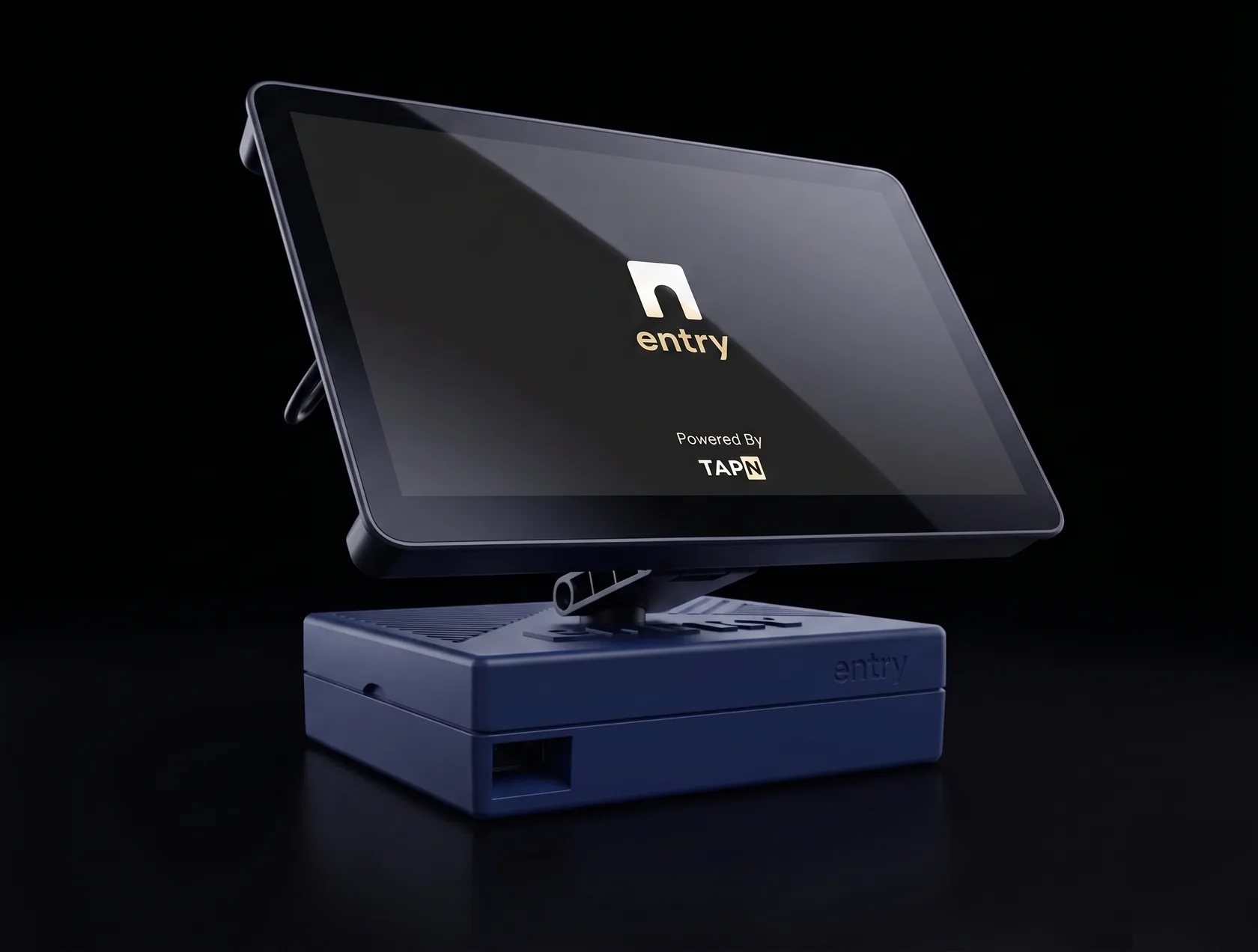
On-site check-in, badge printing, registration, and live analytics — in one unit that arrives ready to run.
- Everything included
- On-site Check In
- Runs offline
Badges printed on Entry, at real events


A closed loop system, in one device.
Registration & check-in
Take registrations before the event, then run the door with the same system. No import, no reconciliation.
- 300+ attendees per hour, per kiosk
- Walk-ups register at the door
- Any number of tiers
Smart badge printing
Your badge design, printed and encoded with the attendee's profile as they arrive.
- Your template, logo and colours
- Stock and lanyards ship with every event
- The badge carries networking all day
Analytics & reporting
Every arrival and scan lands in one attendee record, visible while the event is running.
- Arrivals, turnout, industries, repeat guests
- Report ready the moment doors close
- Export to CSV or Excel at any time
Check yourself in.
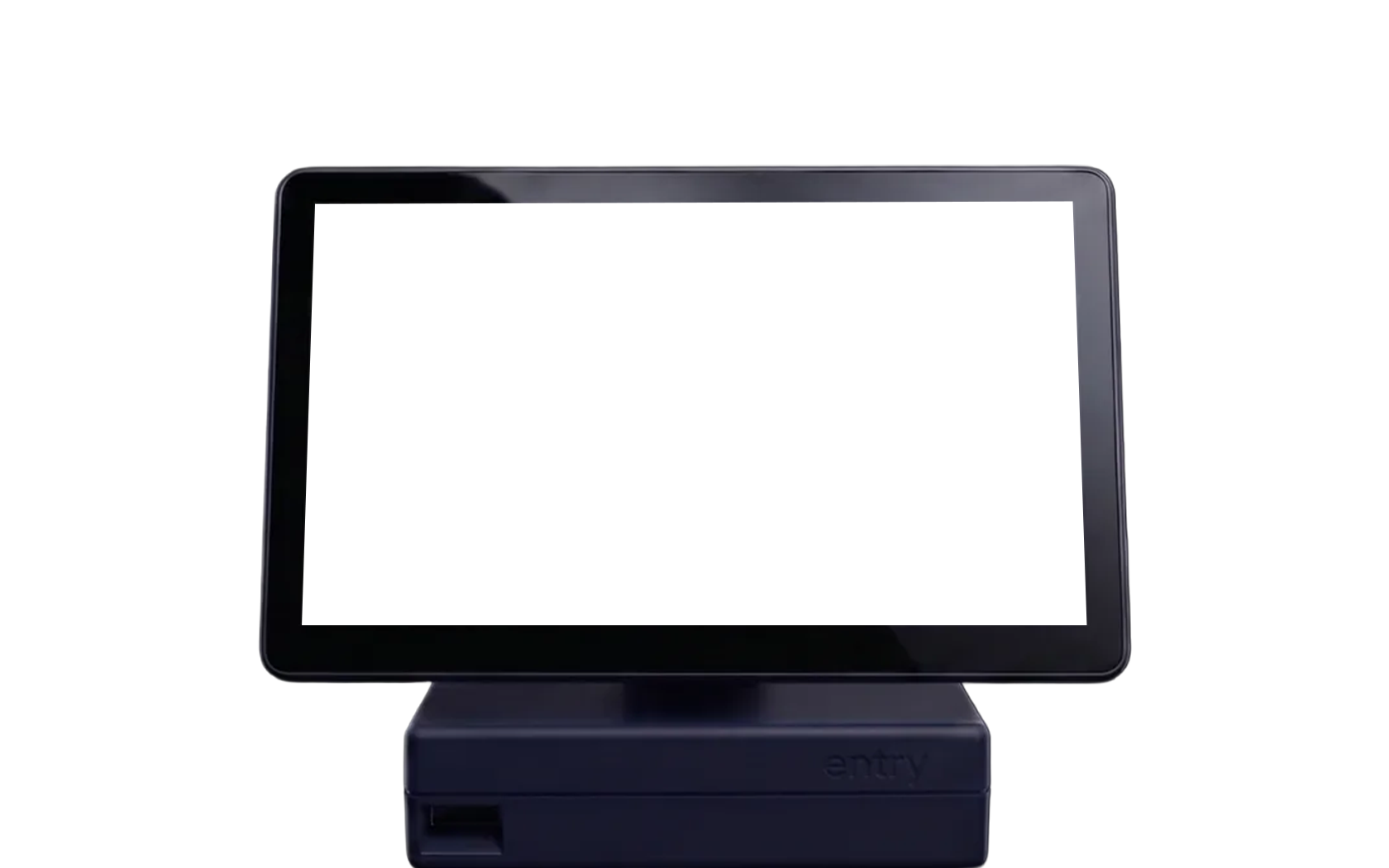
The actual on-device interface, not a mock-up. Use the on-screen keys or just type.
Welcome to
the 2026 Summit
Check in to print your badge
Manual Lookup
TAPN-2026-1000
Look good,
Alex?
Your badge is ready to print
You're in.
Badge printed in 0.0s. Attendance recorded, profile live.
- 1Attendee arrives
- 2Found by scan or name
- 3Badge prints and encodes
- 4Analytics go live
Elapsed: 0.0s
It works when the venue doesn't.
Cellular failover, then local
Entry brings its own cellular, so it never needs a guest network. If that drops too, lookups, printing, encoding and check-ins continue offline and reconcile when service returns.
Six hours on battery
Battery backup carries a tripped breaker, an overloaded strip, or a room change mid-event. Move the device and keep checking people in.
Registrants sync every 30 seconds
Someone who signs up in the parking lot is on the kiosk before they reach the door — and your dashboard edits reach it without interrupting the line.
Encoding is built in
The reader and encoder live inside the kiosk, not on a second table. Every badge is encoded with that attendee's profile as it prints.
The software isn't an add-on. It's the product.
Design the badge, take the registrations, publish the event, hand every attendee a profile. Included, and already connected to the kiosk.
Badge Studio
Design the badge in your browser and save it as a template. What you lay out is exactly what the kiosk prints — no print file to hand off, no proof cycle.
Registration
Free, paid or donation-based, with as many tiers as you need, plus promo codes and application review. Every registration is already on the kiosk.
Event Hub
Your event's public page — schedule, speakers, logistics. Attendees reach it from their badge, so the agenda in their hand is the one you updated this morning.
Smart Profiles
Every badge is encoded with the attendee's own page — who they are, what they're here for, how to reach them. Scan a badge, and the connection is made.
And you watch it happen live.
- Arrivals by hour, on your phone, during the event.
- Sponsors pull their own lead captures.
- Your data is yours, exportable at any point.
Design the badge your kiosk prints.
The editor your event actually opens in — same title bar, same tool rail, same tier cards. Drop items on the badge, position the six merge fields, set type and colour, and give each tier a design of its own. What you lay out here is what the printer receives: no separate print file, no proof cycle with a vendor.
Templates
Templates reposition the same six fields and clear anything you dropped. Your event's own saved templates appear here in the real editor.
Items
Click anything below to drop it on the badge. Items sit behind your fields and are flattened into the artwork on save.
Nothing matches that search.
The shipped panel searches 200,000+ open-source Iconify icons on top of these shapes. The demo carries the shapes only — no network call.
Fields
These are the six fields the kiosk merges at print time. The canvas shows sample attendee data, so you can check spacing and contrast before the first real attendee walks up.
Color
Text Color
Branding
Background
The first row recolours whatever is selected — a field or an item. Dark stock flips the default ink automatically so the sample stays legible.
Uploads
In the real editor this is where your logo goes — PNG or JPEG, dropped or browsed. Toggle the sample mark to see how it sits against the layout.
Export
The download is real — it renders the current tier to a PNG in your browser, at the full 1200 × 1800 the printer receives. Nothing is uploaded. "Save all tiers" is the button that would write to your event, and it is disabled here.
Select a field or an item to edit it
Nothing here is saved. Field defaults, the six merge fields, the per-tier design model and the toolbars are the shipped editor's. Save is disabled; the download button renders your layout in the browser. Attendee details are invented.
Publish the event page.
Schedule, guestlist, speakers and the practical details people otherwise ask your staff about. Attendees reach it from the profile on their badge, so the agenda in their hand is the one you updated this morning. Rename it and rebrand it below — the whole page repaints from the event's own colour, exactly as the shipped hub does.
2026 Regional Summit
Everything you need to know about your event in one place. Check the schedule, meet speakers, and stay connected.
This event isn't real. The hero, stat strip, widget set and colour wiring follow the shipped hub, which paints itself from the event's own brand colour. Sharing and the guestlist are disabled, and no page is published anywhere.
Every badge resolves to a person.
The QR on the badge isn't a check-in code that stops working at the door. It points at the attendee's own page — who they are, what they're here for, how to reach them, and which of your events they've been to. Scan someone's badge and you land here.
Opened from a badge scan · 2026 Regional Summit · Hall B
About
Fifteen years running operations for regional infrastructure programmes. At the summit for the funding panel and the Friday workshop track. Happy to talk about procurement, staffing models, and anything to do with getting 800 people through a door before 9am.
Connect
My Events
Jordan Ellis doesn't exist. The card stack, the follower counts and the events grid follow the shipped profile page. Connect changes what is on this screen and nothing else — no account is created, no contact is stored, and the links go nowhere.
It links itself to your event.
Four steps, and only one of them is yours.
Power on
Cellular comes up on its own and your event downloads to local storage.
Hold your phone to the scanner
The kiosk pairs to your account and pulls the right event. No password typed on the kiosk, no Wi‑Fi configured.
Your branded event launches
Your logo, colours, badge template and tiers — nothing re-entered, because it was never a separate system.
Attendees walk up
The device keeps itself current every 30 seconds for the rest of the event.
The old way, and this way.
- Registration platform, annual licenceVendor 1
- On-site check-in moduleVendor 2
- Rented printer, plus a laptop to drive itVendor 3
- Badge stock and lanyardsVendor 4
- Encoding station on its own tableVendor 5
- Temp staff, freight, per diemVendor 6
- Registration and ticketingIncluded
- On-site check-inIncluded
- Printer, stock and lanyardsIncluded
- Smart profile encodingIncluded
- Analytics and reportingIncluded
- Connectivity, battery, 24/7 supportIncluded
This is not a discount. The old model's floor is freight, flights, per diem and hardware sitting idle between shows. We deleted those line items rather than undercutting someone and hoping to make it back later.
Three tiers. Everything in the box.
No per-attendee fees, no subscription — the price tracks headcount, nothing else.
What ships, and what's switched on — every tier
- Entry kiosk
- Badge printer
- Badge stock
- Lanyards
- Registration & ticketing
- Badge Studio
- Event Hub
- Smart profile encoding
- Attendee networking
- Live analytics dashboard
- Post-event reporting
- Built-in cellular
- Offline mode & battery backup
- 24/7 support
Nonprofits and education, as low as $1,995
Mission-driven events save up to 50%. Enterprise event technology shouldn't require an enterprise budget.
Not included: badge stock beyond your booked count (billed at cost), travel outside the metro (quoted before you sign), and custom API integrations (scoped separately). Over 1,000 attendees, multi-day, or several entrances at once is a custom deployment — tell us the shape of it and we come back within one business day.
Run where the stakes are highest.
Fortune 100 enterprises, research universities, city government and community nonprofits — all on the same platform, because there is only one.
They make your check-in easy and efficient.
 Patricia Kelly Marsh, MDCEO, Ask Me Your MD
TAPN made the check-in process seamless.
 Lexie NewhouseBoard President, Startup Atlanta
This is the easiest check-in I've ever done.
 Evan AtkinsonAsst. Director of Social, Georgia Tech
Before you book.
Is there a contract or subscription?
Are there hidden fees?
What if my attendee count changes after I book?
How long does setup take on event day?
Do we need IT staff, or venue Wi-Fi?
What happens if something goes wrong on event day?
We already sell tickets elsewhere. Do we have to move?
Do you cover our city?
What happens to our attendee data after the event?
Tell us about your event.
Four questions. We answer within one business day.
Already running an event?
Support is staffed 24/7 for live events. Call the number on your booking confirmation — that line goes to an engineer, not a queue.
Open the door.
Your whole event operation, in one device, from $1,995.